
Module 5, Lab 10
Virtual network
Connect your machines, test and share a folder.
- Intermediate
- 1 h 15
- Two VMs
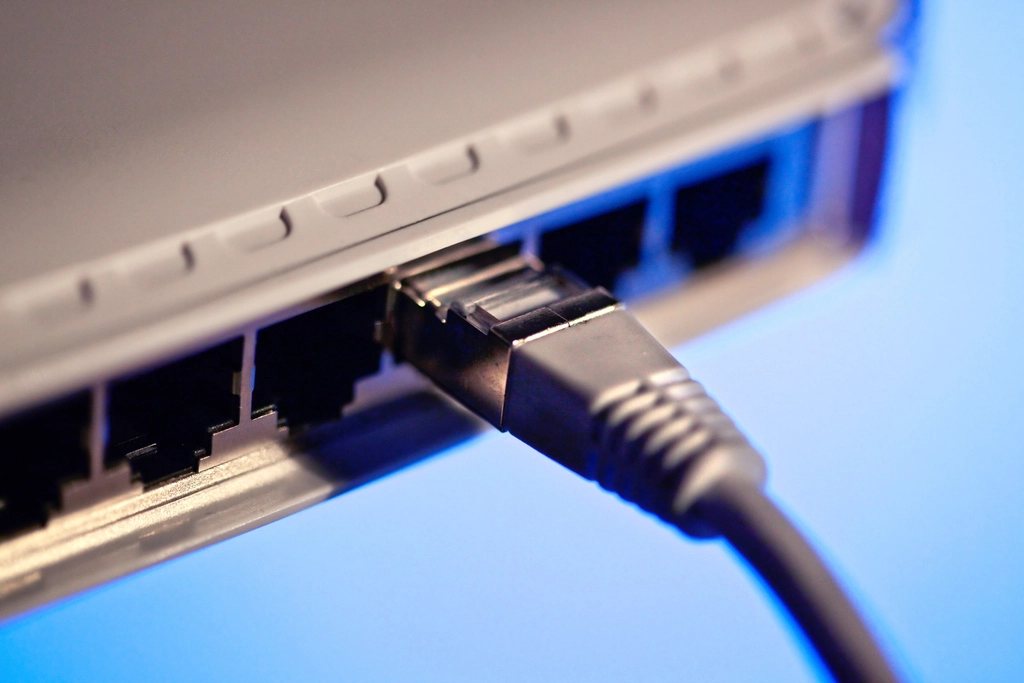
Make an RJ45 cable
You need: Cat 6 cable, two RJ45 plugs, a crimping tool and a tester.
Connector seen from the front: gold contacts towards you, clip underneath. Pin 1 on the left.
- Cut the jacket over 3 cm, without damaging the wires.
- Untwist the pairs and line up the 8 wires in T568B order.
- Cut the wires straight, 1.5 cm from the jacket.
- Push them all the way into the RJ45, clip underneath: the jacket must go into the connector.
- Squeeze hard with the crimping tool.
- Do the same at the other end: B for a straight cable, A for a crossover cable.
- Plug both ends into the tester: lights 1 to 8 must come on in order.
A light stays off? A wire is not touching its contact: cut off the RJ45 and start again. For Gigabit, all 8 wires must work.
NAT, bridged, internal network
Try it here
Change the mode and see who can talk.
In VirtualBox: Settings, Network, Attached to.
Reading an IP address
- IP addressThe machine's number: 192.168.50.10
- Mask/24: the first three numbers are the network.
- GatewayThe door to the Internet, often the box.
- DNSIt turns a name into an address.
Try it here
Windows commands
Try it here
On Linux: ip a, ping -c 4 1.1.1.1, tracepath 1.1.1.1.
Connect two VMs
- Both VMs on Internal Network, same name:
cours. - No DHCP: give the addresses
192.168.50.10and192.168.50.20, mask255.255.255.0. - Test:
ping 192.168.50.20.
No reply? The Windows firewall often blocks ping. Enable the inbound rule “Echo Request - ICMPv4-In”. Do not turn off the whole firewall.
Share a folder
- Network profile: Private.
- Right-click the folder, Properties, Sharing.
- Choose the user and the Read permission.
- On the other VM:
\\192.168.50.10\partage
Security: avoid “Everyone” with write access.
Find the problem
Try it here
Graded exercise out of 100
You need 80 to pass the lab.